
BAS Calculator Australia
Free quarterly BAS calculator for Australian businesses. Estimate GST collected, GST credits, and total BAS payable including optional PAYG instalments.
Estimate your quarterly BAS
Spending days pulling your BAS together? Budgetly works out the GST and collects the receipt on every card purchase, so the purchase side is ready before the quarter ends.
Let's get BAS prep off your list for good.
Book a 30-minute demoHow the BAS GST calculation works
Your quarterly BAS GST obligation is the difference between GST you collected on sales and GST you paid on business purchases.
The formula
- GST collected = Total GST-inclusive sales ÷ 11
- GST credits = Total GST-inclusive purchases ÷ 11
- Net GST payable = GST collected − GST credits
- Total BAS payable = Net GST + PAYG instalment (if applicable)
If your GST credits exceed GST collected, the ATO will refund the difference.
What to include in your BAS
Sales (1A on the BAS form)
Include all GST-inclusive income from taxable sales during the quarter. This covers goods sold, services rendered, and other business income that attracts GST.
Purchases (1B on the BAS form)
Include all GST-inclusive business purchases where you can claim a GST credit. This includes:
- Stock and raw materials
- Operating expenses (rent, utilities, subscriptions)
- Equipment and asset purchases
- Professional services (accounting, legal)
- Employee expense reimbursements (where GST was charged)
Items to exclude
Do not include GST-free sales (exports, basic food, medical services), input-taxed supplies (financial services, residential rent), or purchases where no tax invoice was provided.
Tips for accurate BAS lodgement
- Engage a registered BAS agent or accountant to prepare and lodge on your behalf
- Reconcile your accounts before lodging
- Ensure all supplier invoices are valid tax invoices
- Check that employee expenses have receipts with ABN and GST amounts
- Review any large or unusual transactions
- Keep records for at least five years
Frequently asked questions
What is a BAS in Australia?
A Business Activity Statement (BAS) is a form submitted to the ATO to report and pay several tax obligations including GST, PAYG instalments, PAYG withholding, and other taxes. Most small businesses lodge BAS quarterly.
How is the GST component of a BAS calculated?
The GST payable on your BAS is: GST collected on sales minus GST credits on purchases. GST collected is one-eleventh of your GST-inclusive sales. GST credits are one-eleventh of your GST-inclusive business purchases.
When are quarterly BAS due?
Quarterly BAS due dates are: Q1 (Jul-Sep) due 28 October, Q2 (Oct-Dec) due 28 February, Q3 (Jan-Mar) due 28 April, Q4 (Apr-Jun) due 28 July. If you lodge electronically, you may get an additional two weeks.
What is a PAYG instalment?
Pay As You Go (PAYG) instalments are regular prepayments of your expected income tax liability. The ATO calculates an instalment amount or rate based on your most recent tax return. These are reported on your BAS alongside GST.
What happens if I lodge my BAS late?
Late lodgement can result in a Failure to Lodge (FTL) penalty of $313 per 28-day period (up to a maximum of 5 periods). Late payment incurs the General Interest Charge (GIC), which is updated quarterly by the ATO.
Methodology and disclaimer
This calculator estimates your quarterly BAS GST obligation using the standard ATO BAS reporting method. GST collected = total GST-inclusive sales ÷ 11. GST credits = total GST-inclusive purchases ÷ 11. Net GST = GST collected minus GST credits. Total BAS payable = Net GST plus any PAYG instalment amount.
This simplified calculation assumes all sales and purchases include GST at 10%. It does not account for GST-free supplies, input-taxed supplies, adjustments, wine equalisation tax, luxury car tax, fuel tax credits, or PAYG withholding. Your actual BAS may include additional labels and obligations.
This tool provides estimates only and does not constitute financial, tax, or legal advice. Always consult a registered tax agent or BAS agent for your specific circumstances. Rates are current as at 1 July 2025.
BAS-ready books, every quarter
Budgetly auto-codes GST on every transaction, so your BAS data is always current. Less back-and-forth with your accountant, faster lodgement.
Book a 30-minute demoYou might also like
Fuel Tax Credit Calculator Australia (Current ATO Rates)
How fuel tax credits are calculated A fuel tax credit gives back some or all of the fuel tax (excise or customs duty) included in the price of fuel …
Margin Calculator: Gross Margin, Markup and GP
How to calculate margin, markup and gross profit Start with your cost and your selling price, both without GST if you’re registered for GST. …
Employee Cost Calculator
How to calculate the true cost of an employee The cost of an employee is never just their salary. Once you add the on-costs every Australian employer …
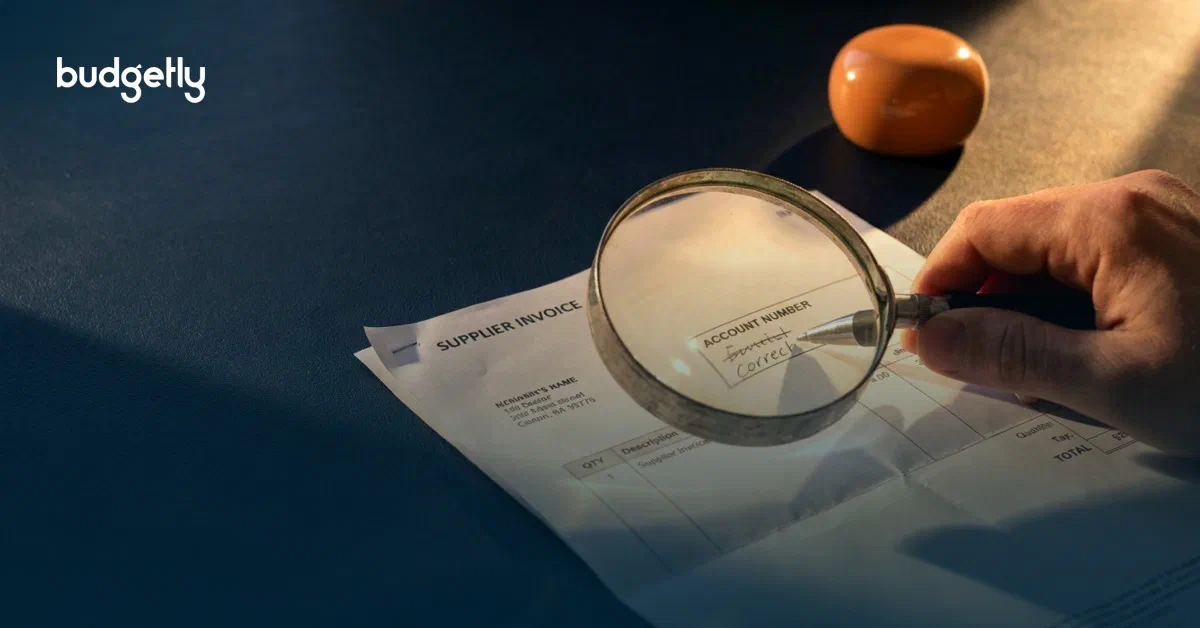
The #1 Invoice Scam Costing Australians $166.8 Million
Invoices do not need to be fake to steal your money. The most dangerous ones are real. A common fraud pattern is simple. A legitimate supplier bill …

Rates Are at 4.60%. Your Payables Are a Funding Decision Now
What the fourth rise of 2026 means for SME cash, debt and supplier terms The fourth rate rise of 2026 has a simple effect that many SME leaders …

Invoice fraud: the biggest risk to your NFP's funds
A fraudulent invoice can be created in seconds. It arrives looking exactly like one you were expecting, from a supplier you know, for an amount that …