
Prepaid Visa card alternative for Australian businesses
A better alternative to prepaid business cards.
Give your team physical and virtual Visa business debit cards with budgets you control. Fund one Budgetly Spend Account, set spending limits and track purchases in real time, without loading money onto each card.
A 30-minute walkthrough of cards, budgets and controls with our Australian-based team.
Free trial: no credit card required. Cards and live spending require a paid plan and approval.
Business plans from A$99/month, billed annually, excluding GST.
- No card-by-card top-ups
- Flexible team budgets
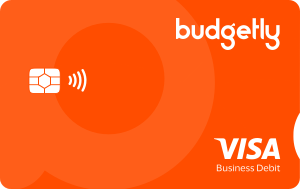
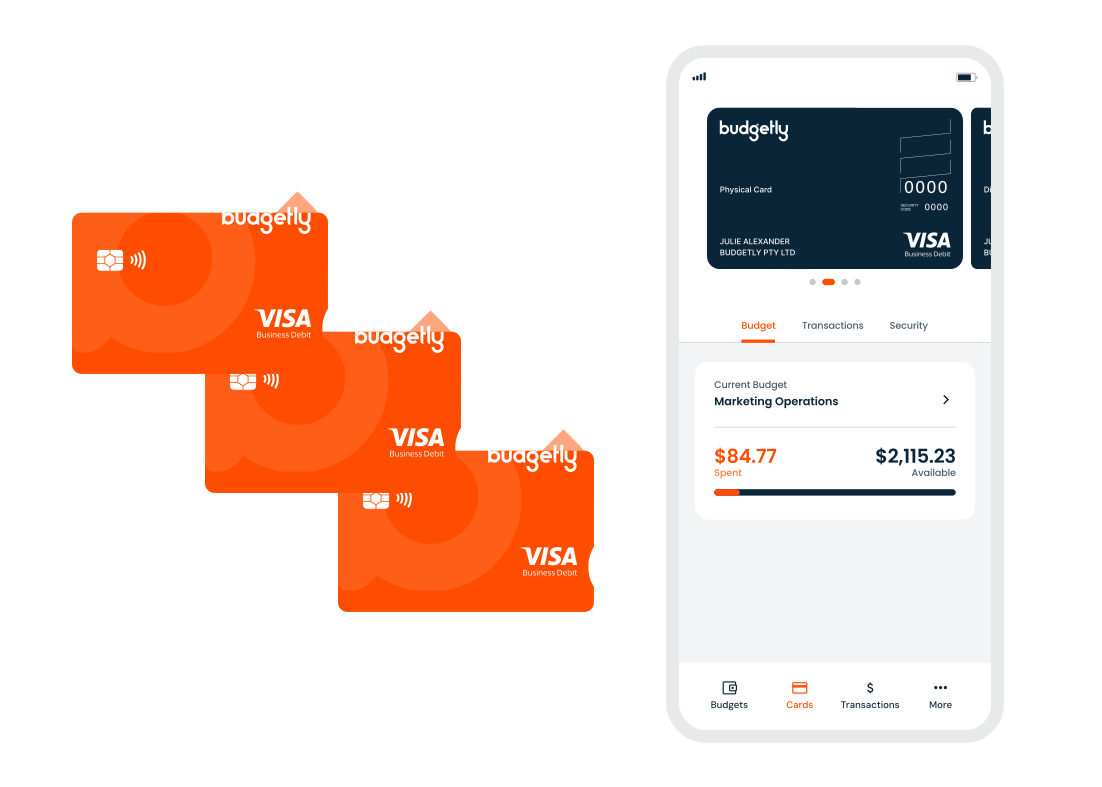
- Physical and virtual Visa cards
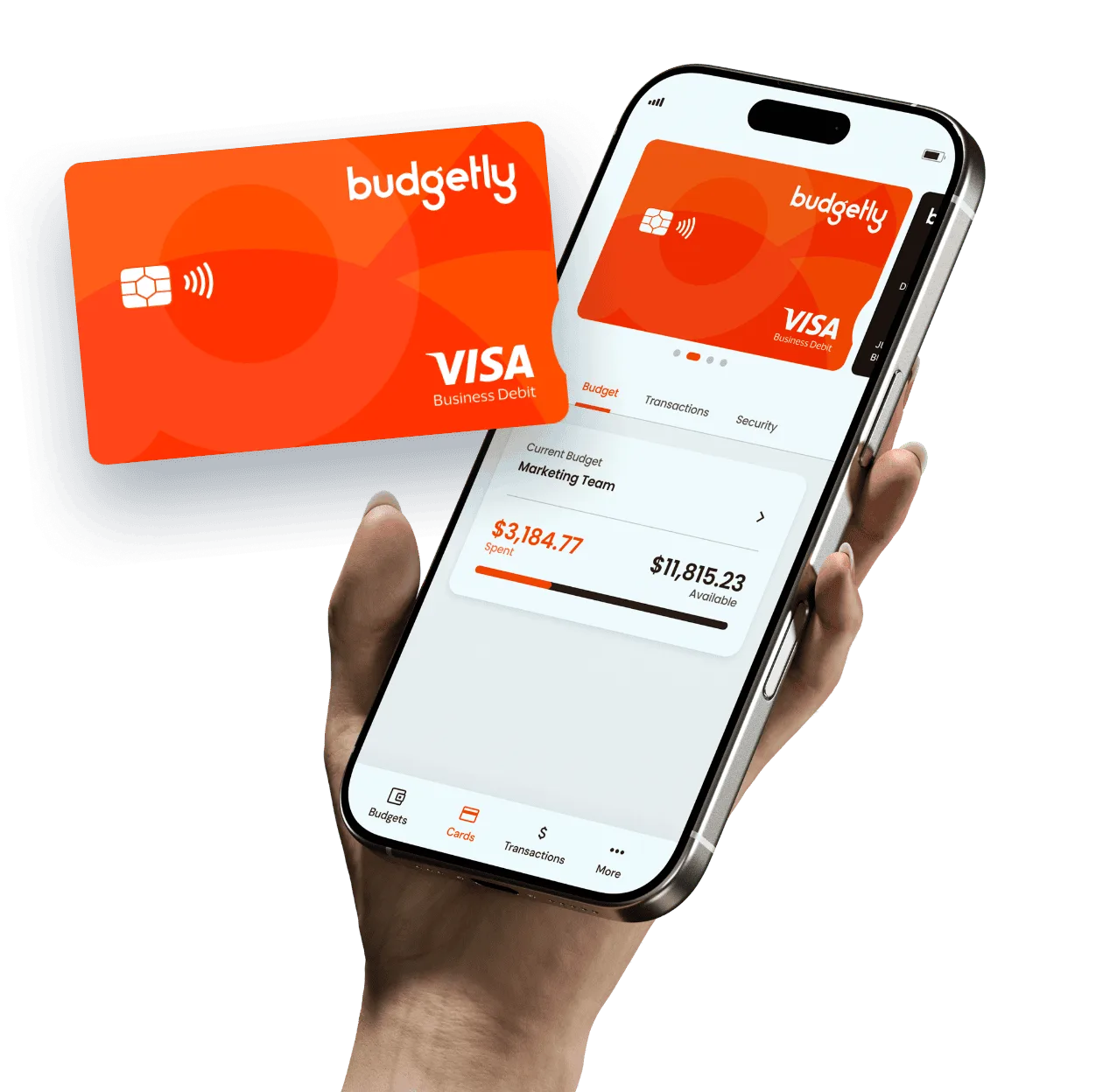





Strive Community Care reported saving up to 40 hours a month on expense administration after switching to Budgetly. See what changed for their team
One funded account. Budgets for the way your business works.
Put company funds into your Budgetly Spend Account, then decide how your team can use them. Cards access those funds within the budgets and limits you set.
- Step 1Company funds Budgetly Spend Account A$20,000
Fund your Spend Account
Transfer money from your verified business bank account into Budgetly.
- Step 2Spending limits
- Operations Shared by the team A$5,000/month
- Office Supplies For each member A$300/month
Set team budgets
Organise spending by team, project or location, with shared or individual limits.
- Step 3
 Card purchase
- Officeworks Office Supplies budget A$42.80
Spend and track
Your team uses its cards, while finance sees transactions against the relevant budgets.
Figures are examples. Your Spend Account needs sufficient funds, and purchases must stay within the applicable budget and card limits.
Adjust spending access as your team's needs change.
Set budgets for teams, projects or locations, then adjust limits when plans change. Use shared limits where spending is pooled, or individual limits where each person needs a defined allowance.
- Shared limits for pooled spending
- Individual limits for each member
- One-time, weekly or monthly budgets
- Edit limits and members as plans change
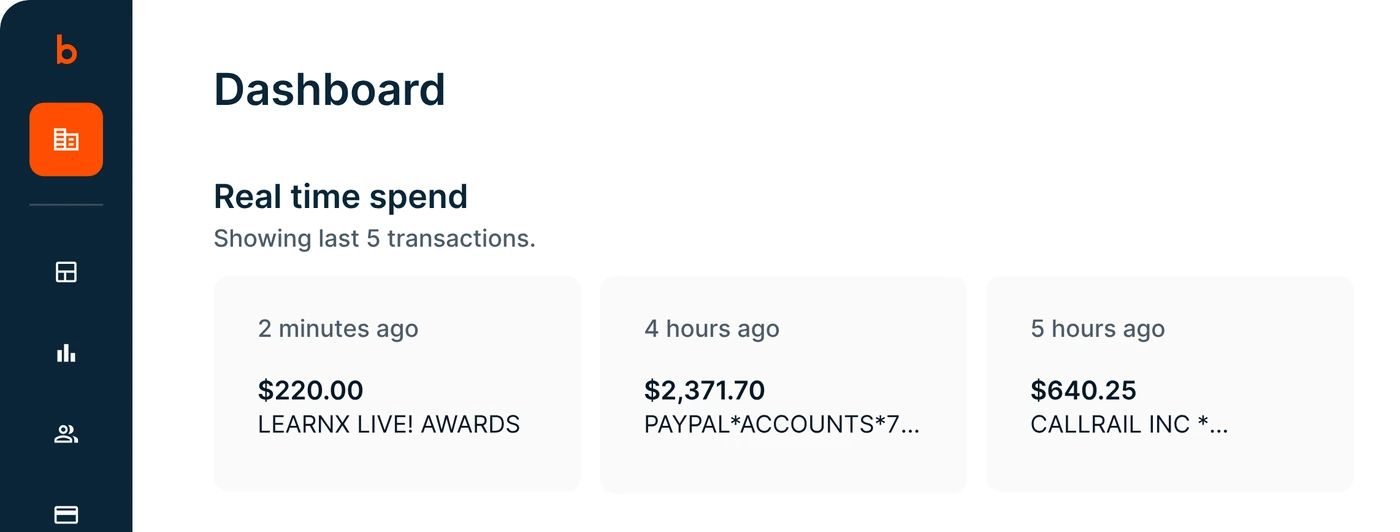
See card spending without reconstructing it later.
See purchases as they appear in Budgetly, with the cardholder, merchant and transaction details together. Review spending against the relevant budget instead of piecing it together from separate records.
- Cardholder, merchant, budget and amount on each transaction
- Filter transactions by user, budget or date
Keep receipts and accounting connected to the purchase.
Staff add receipts to purchases in the app. Finance reviews the records, syncs transactions to Xero or exports them for other accounting software.
See how the Xero integration works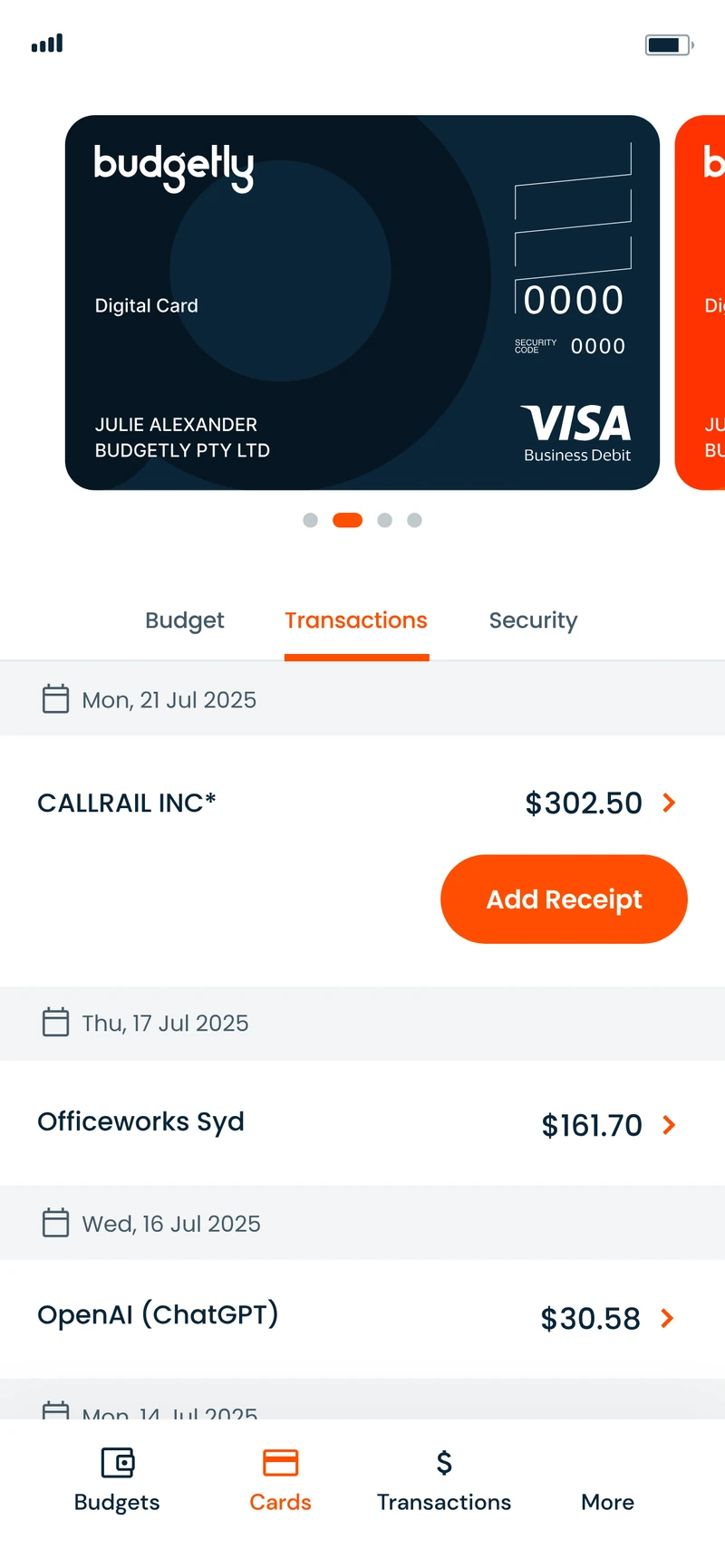
- ReceiptsStaff add the receipt to the purchase in the app
- XeroDirect integration: transactions sync with their receipts
- MYOB, QuickBooks and othersExport transactions as CSV to import
Comparing prepaid cards? Look beyond the card itself.
The right setup depends on how your business funds spending, controls access and handles the records afterwards. Here is what to check.
| What to check | How Budgetly works |
|---|---|
| How is spending funded? | Cards access funds in the business’s Budgetly Spend Account. |
| How is access controlled? | Budgets can have shared limits or individual member limits. |
| What happens after a purchase? | Transactions and uploaded receipts can be managed together. |
| How does accounting work? | Direct Xero integration, with CSV exports for other supported workflows. |
| What am I paying for? | A business subscription with an included card allowance, plus applicable additional-card and usage fees. See plans and fees. |
A clearer card setup for a team working across multiple locations.

Strive Community Care
Residential care and outreach provider in Queensland, with a weekly budget for each house
Before
- Preloaded cards from two providers that staff couldn't tell apart
- No live view of spending against each house's budget
- No mobile app, so receipts were hard to collect
- Slow support, with no phone option
With Budgetly
- Cards showing each cardholder's name
- Transactions visible to finance as they happen
- Flexible budgets for each house
- Receipts photographed and uploaded in the app
Reported result
Up to 40 hours
a month saved on manual expense management
“The biggest risk for us was being unable to track spending across budgets. But with Budgetly, we saved 5 to 10 hours per week across the organisation.”
Start with the setup that fits your business.
Talk your card requirements through with our team, or explore Budgetly on your own first.
Talk through your card requirements
Book a 30-minute walkthrough with our Australian-based team to discuss your team, spending arrangements and the controls you need.
Book a demoExplore the software yourself
Start a 14-day trial to explore Budgetly, create budgets and add your team.
Start 14-day free trial
The trial is a software evaluation. Cards and live spending start once you’re on a paid plan and your business is approved.
Getting to live spending
Choose a plan
Card and payment access starts with a paid subscription. Compare the plans.
Complete verification
Complete the business and identity checks that apply before cards can be issued. You can keep setting up budgets and users in the meantime.
Fund your Spend Account
Transfer money from a bank account in your business’s name. Allow up to three business days for your first transfer to arrive.
Arrange the cards you need
Create virtual cards and order physical cards for the people who need them, then link each card to its budget.
Pricing
Essentials
A$99 per month, billed annually
Excludes GST. Monthly billing is also available at A$119 a month.
Included in Essentials
- 4 physical or virtual cards
- Unlimited users
- Spending budgets
- Receipt capture
- Xero integration
What changes the cost
- Additional cards. Users are unlimited, but each card beyond the four included is A$10 a month.
- Card and usage fees. Card issuance, delivery and applicable usage fees are additional.
Not sure how many cards you need? Talk it through with us.
Questions about Budgetly cards
Is Budgetly a prepaid card?
Do we still need to add money before spending?
Can several people use the same budget?
Can I use Budgetly as a personal prepaid or gift card?
Can we issue cards during the free trial?
Does Budgetly work with our accounting software?
What happens if a card runs out of budget or is lost?
Give your team spending access you can control.
See how Budgetly's cards, budgets and expense records would work for your business. Book a walkthrough with the team, or start a software trial.