
Invoices do not need to be fake to steal your money. The most dangerous ones are real.
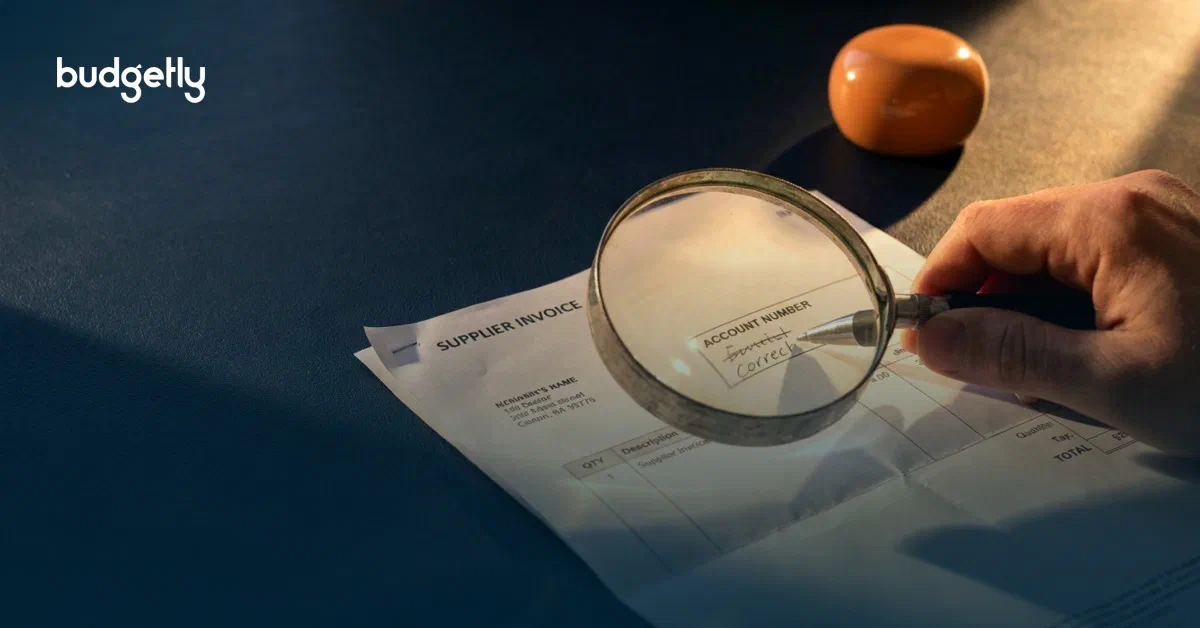
A common fraud pattern is simple. A legitimate supplier bill gets intercepted, the bank details on the invoice are altered, and it is sent on to your team looking completely normal. Same supplier name. Same invoice number. Same line items. Only the account and BSB have changed.
When it works, it is because it fits inside an everyday workflow. Accounts payable receives an invoice, matches it to the purchase, and schedules payment. Nobody is expecting a scam. The fraudster is relying on that.
How they do it
There are a few variations, but the playbook is consistent.
First, they get access to the invoice flow. That might be a compromised supplier inbox, a compromised mailbox in your business, or a convincing impersonation of the supplier. Then they wait for a real invoice or a real payment run.
Next, they change one thing. The payment destination.
Sometimes they edit the PDF itself and swap the account number. Sometimes they send a “we have updated our banking details” email and attach the invoice again. Sometimes they keep the email tone and signature identical to past threads. The goal is to make the request feel like routine admin, not a risk event.
How often it happens
It happens more than most teams admit publicly, because the loss is embarrassing and recovery is uncertain. It is also under reported when the amounts are small enough to be written off as a mistake.
The frequency is rising because the barrier to entry is low. Fraudsters do not need to break into your bank. They just need to be inserted into a workflow that already approves payments.
If you pay bills at volume, and you allow bank detail changes to be actioned off an email, it is not a question of if you will see an attempt. It is a question of when.
How to safeguard your business
You do not need a hundred controls. You need a few that are non negotiable.
1. Treat any bank detail change as high risk
A supplier bank detail update is not admin. It is a high risk change. It must trigger a separate verification step every time.
2. Verify out of band
Never confirm bank details over email. Not on the same thread, and not by replying to the message. Email is the attack surface.
Verify using a known channel that you already trust. Call a phone number already on file from previous onboarding paperwork, a signed contract, or your vendor master data. If you do not have a trusted number, pause the change until you do.
3. Two person approval for new suppliers and changed bank details
One person can enter or update supplier details. A different person must approve. This reduces single point of failure errors, not just fraud.
4. Slow down the payment release
A short cooling off period helps, even 24 hours. Fraud relies on urgency and silence. Time creates room for verification.
5. Use Budgetly change flags as a hard stop, not a heads up
When you pay bills via Budgetly, we flag when a supplier’s bank account details have been changed. Treat that flag as a stop sign.
Pause the payment, verify the change via phone call or text to a known number, and only then release the bill. If you cannot independently verify the change, do not pay.
The problem with ABA files
ABA files make payment runs efficient. They also make mistakes and fraud harder to catch once the run is prepared.
Here is the risk. If bank details have been altered upstream, an ABA file will happily batch and push those payments through. The person uploading the file often reviews totals, not every payee account. That is exactly what fraudsters count on.
If you use ABA, the safeguard is not “be more careful”. It is enforcing hard stops before a supplier bank detail change can reach a payment file. Flag changed bank details, force verification, force second approval, then run the batch.
The simplest policy line is this.
If bank details change, we verify via a trusted channel and we never approve the change via email.
It feels inconvenient until the day it saves you.