
Spreadsheet budgets break when you add the fifth house
Tracking participant budgets in a spreadsheet works when you run one or two SIL homes. The finance officer updates the numbers weekly, checks the bank statement, and reconciles at month-end.
By the fifth house, the spreadsheet is a liability. Numbers are outdated the moment they are entered. Support workers spend money that does not appear until the next bank feed. House managers ask “how much is left?” and nobody can answer in real time.
The NDIS Quality and Safeguards Commission expects providers to demonstrate financial accountability for every participant’s funds. A spreadsheet that is three days behind is not accountability. It is guesswork with a formatting layer on top.
Why per-participant tracking matters for NDIS compliance
Each NDIS participant has their own plan with specific funding allocations. Providers managing SIL homes need to track spending against those allocations to ensure funds are used appropriately and within budget.
The compliance requirement is straightforward: show that participant funds were spent on participant needs, within the approved categories, and within the allocated amounts.
Where providers struggle is the operational reality. A single SIL home might have three to six participants, each with different plan amounts and different spending needs. Multiply that across 10, 20, or 40 homes and the tracking challenge becomes enormous. The finance team needs to produce reports that show spending by house, by participant, and by category, and those reports need to be accurate enough to satisfy plan managers, the NDIA, and the NDIS Quality and Safeguards Commission.
The consequences of getting it wrong are real. Overspending against a participant’s plan means the provider absorbs the cost. Underspending means the participant misses out on supports they are entitled to. Inaccurate records create compliance risk during audits and erode trust with families and plan managers.
Vibhu Juneja, Finance Officer at Sunnyday Carers, managed this across 40+ group homes:
“Our biggest challenge was having to report on each house manually.”
Vibhu Juneja, Finance Officer, Sunnyday Carers
The manual reporting consumed 15 hours per week before they found a way to automate it.
What real-time budget tracking looks like
The shift from spreadsheets to real-time tracking changes three things:
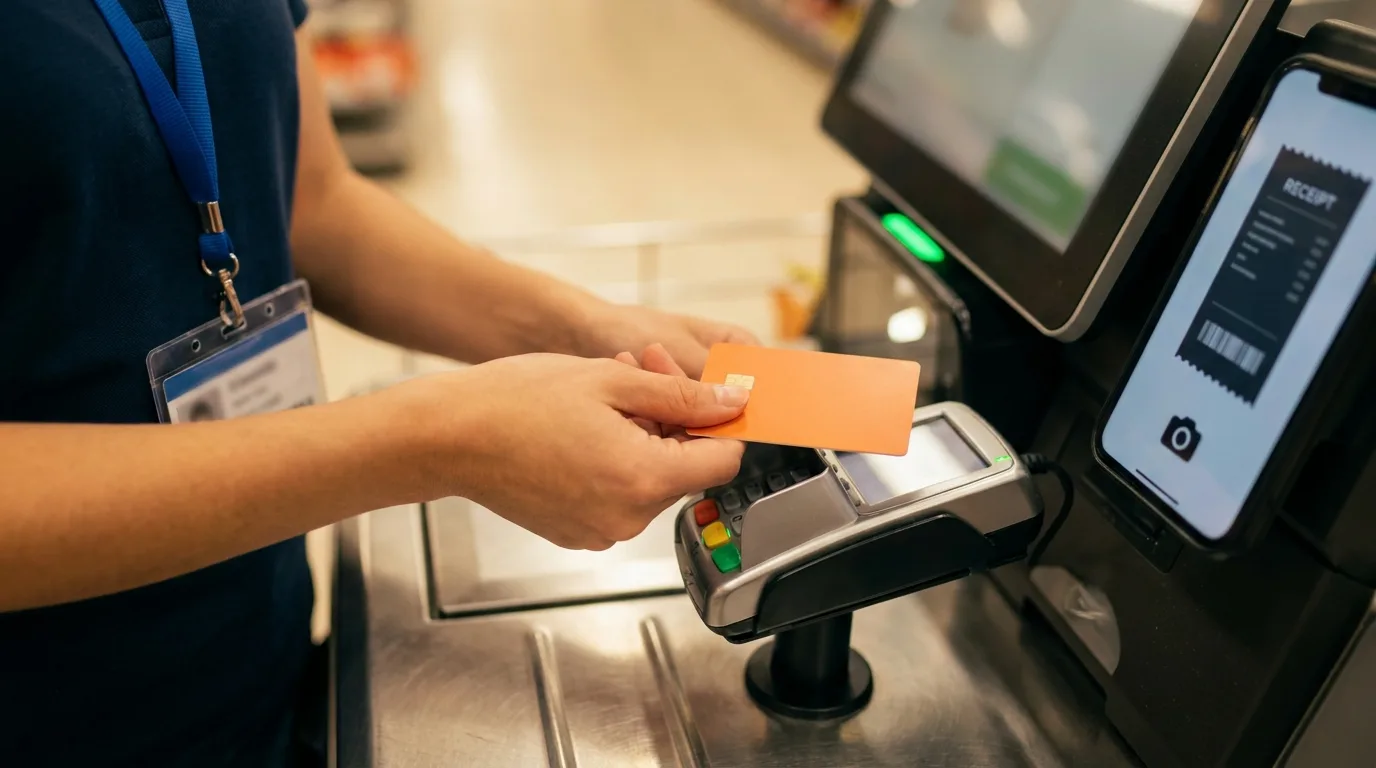
Visibility becomes instant. Instead of waiting for bank feeds and manual updates, every transaction appears the moment a card is tapped. The finance team sees what was spent, where, and by whom, across every house, as it happens.
Budgets enforce themselves. Each house or participant gets a budget with a set limit. When the limit is reached, the card declines. No overspend. No awkward conversations at month-end about why House 7 went $400 over. Unspent funds roll over, so houses are not penalised for spending less in quieter periods.
Reporting is automatic. Instead of building reports from spreadsheets, the data is already structured by house, participant, category, and date. Pulling a report for an auditor or a plan manager takes seconds, not hours.
Karen Christensen, Finance Manager at Connect CWS, used to manage individual bank accounts for each house. The overhead was enormous:
“From an admin perspective, it’s 100% solved.”
Karen Christensen, Finance Manager, Connect CWS
Connect CWS saves two full days per week on expense administration.
Setting up per-house budgets with rollover
The practical setup for most NDIS providers looks like this:
- One budget per house. Each SIL home gets its own budget with a spending limit that reflects its participant mix and operational needs.
- Cards linked to houses. Each house has one or more Visa debit cards linked to its budget. Support workers use the house card for groceries, supplies, and participant expenses.
- Budget rollover. NDIS participant plans run for 12 months or longer, and spending is rarely even across the year. Some months a house spends more (seasonal needs, medical appointments, outings) and some months less. Budget rollover ensures unspent funds carry forward rather than being lost at the end of a cycle. This is critical for NDIS because participant funding is allocated for the full plan period, not month by month.
- Category controls. Restrict spending to approved categories (groceries, pharmacy, transport) and block categories that are not relevant (entertainment, alcohol).
- Real-time alerts. Finance gets notified when a house approaches its budget limit, when an unusual transaction occurs, or when a receipt is missing.
This structure scales linearly. Adding a new house means creating a new budget and issuing new cards. It takes minutes, not the weeks required to set up new bank accounts.
What providers save when they switch
The numbers from NDIS providers who have moved from spreadsheets and manual tracking to real-time budget management:
- Sunnyday Carers (40+ group homes): 15 hours per week saved on manual reporting
- Connect CWS (80+ employees): Two full days per week saved
- Strive Community Care: Up to 40 hours per month saved
- Orion Care: 20 hours per week saved
- Connecting Families: $21,000 saved and 90% reduction in admin delays
The common thread is that the time savings come not from working faster, but from eliminating work that should not exist. Manual budget tracking, receipt chasing, and spreadsheet reconciliation are replaced by systems that handle it automatically.
BB Disability & Health Services, with 150 employees, found that the switch saved 10+ hours per week and reduced overspending across their houses. Koiop Connect recovered a full day per week that was previously spent on expense reconciliation alone. MH&R Holdings, managing 300+ employees, saves 10 hours per week on expense administration.
The financial impact goes beyond time savings. When every purchase has a receipt attached from the moment of purchase, the documentation is audit-ready from day one. Providers can demonstrate to the NDIS Quality and Safeguards Commission exactly how participant funds were spent, without weeks of reconstruction. Transaction data syncs to Xero automatically, so the provider’s accountant or bookkeeper receives clean, categorised data rather than raw bank feeds.
For providers considering the switch, the transition from spreadsheets to real-time tracking typically takes 14 days. The process involves setting up budgets per house, issuing cards, and briefing support workers on the receipt capture process, which takes about 10 minutes per person.
For a detailed look at how this works across SIL homes, see how to manage SIL home expenses without chasing receipts. For the full NDIS feature set, visit the NDIS expense management solution page.