Bills arrive by email. Someone re-keys them. Someone else approves over email. Payment is manual.
Budgetly captures every bill the moment it arrives, routes it through your approval workflow, pays via BPAY, PayID, or bank transfer, and syncs to your accounting software. No re-keying. No email chains.
 Sam Bennett · Budget Owner
Forwarded








MJ Landscapes & Maintenance tracked expenses in Excel on a shared company card before Budgetly, and now drags and drops invoices into Bill Payments to pay them. Their manager reported personally saving at least two hours a day. See what changed for their team
Replace email chains, manual entry, and late payments.
Every manual invoice is a compliance risk, a delayed payment, and wasted finance hours. Bills scattered across inboxes, data re-keyed into spreadsheets, approvals chased over Slack, payments made manually, reconciliation weeks later. Budgetly replaces all of it with one continuous workflow.
The old way
- Invoices arriving in multiple inboxes with no central record
- Every bill re-keyed and coded by hand, PDF to spreadsheet to ledger
- Approvals chased over email, Slack, or passed around by hand
- Late payments because bills got lost or forgotten
- Separate logins for banking, accounting, and approval workflows
- Fraud risk from changed supplier bank details going unchecked
With Budgetly
- Forward a bill by email and it's captured automatically
- Supplier, amount, due date and GST extracted from the bill, ready to confirm
- Bills under your approval limit are approved automatically. Larger bills go to an admin
- Pay via BPAY (45,000+ billers), PayID, or AUD bank transfer
- Category suggested at entry, then coded and synced to accounting
- Fraud flags on new suppliers and changed bank details
- AUSTRAC-regulated (AML/CTF)
- Data stays in Australia
- 2FA + SSL encryption
- AWS Sydney ISO 27001 infrastructure
- Live status
Make your first bill run of 2027 the easy oneStop chasing receipts. Start controlling expenses in real time.
Book a 30-min demo and have your team on their own cards by January.Sign up by 11 December to have your physical cards for the first week of January. Virtual cards work the same day. Book a 30-min demo and see your team on their own cards, with budgets and receipts handled.
Bawinanga Aboriginal Corporation saved 38 hours a week with Budgetly.
- 30 minutes on video, at a time that suits you
- One of our team walks you through cards, budgets, receipts, bill payments and getting it all into your accounting software
- No commitment required
Calendar not loading? Pick a time on our booking page.
From booking to live
- Book a demo 30 minutes, at a time that suits you.Demos run right up to 18 December, so there's still time to start 2027 fresh.
- Sign up and onboard Can be done the same day
- Virtual cards Order them and start spending the same day
- Physical cards Can take up to 3 weeks.Sign up by 11 December to get your cards for the first week of January.
See Bill Payments in action
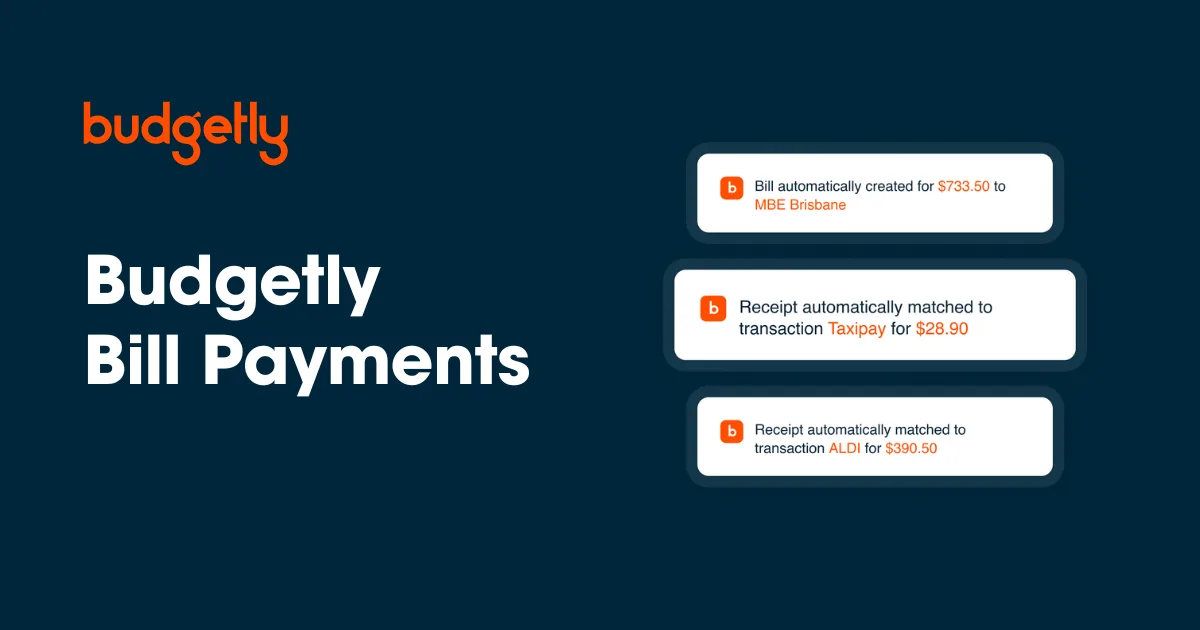
Watch a bill go from inbox to paid and coded: captured, routed for approval, and synced to your ledger in one continuous workflow.
- Bill captured and coded the moment it arrives
- Routed to the right approver automatically
- Paid via BPAY, PayID, or bank transfer
- Synced to your accounting software, reconciled
How accounts payable automation software works
Forward a bill or reimbursement. It arrives captured and coded.
Drop an invoice onto the Budgetly dashboard, forward it by email, or sync from Gmail or Outlook. Budgetly extracts the supplier name, amount, due date, line items, and GST, then suggests a category. Confirm the suggestion or pick a different one before the bill goes for approval. Nothing gets re-keyed and nothing waits for month-end. Works the same way for supplier bills and the occasional employee reimbursement.
- Email forwarding from Gmail, Outlook, or any inbox
- PDF, scan, or photo, all formats supported
- Supplier, amount, due date, line items extracted
- GST extracted from the bill
- Category suggested when the bill is created
- Multi-invoice batches split automatically
 Frankie Ward · Finance Manager
Approved
Approve the exceptions, not every bill.
Set an approval limit and bills under it are approved automatically, for example up to $750 without admin sign-off. Bills above the limit wait for an admin, with the bill and supplier detail in front of them. No email chains.
- Auto-approval limit you set, for example bills up to $750
- Bills above the limit wait for an admin to approve
- Admin sees the bill and supplier detail before approving
- Full audit trail of every decision

BPAY, PayID, bank transfer, or Visa. All in one click.
Once approved, pay from your Budgetly balance via BPAY (45,000+ Australian billers including ATO, utilities, and rent), PayID, AUD bank transfer, or a virtual Visa card. Schedule payments in advance or pay immediately.
- BPAY to 45,000+ Australian billers
- PayID instant payments
- AUD bank transfer with BSB and account
- Virtual Visa card for online suppliers
- Schedule payments or pay immediately
- Bulk pay approved invoices in one batch
Every bill arrives in your ledger coded, receipted, reconciled
The moment a bill is paid, the transaction syncs to Xero with the supplier as a contact and the category, GST, receipt and tracking categories already coded. Review and sync in one click, or run it fully automated. Use MYOB, QuickBooks or other accounting software? Export the coded transactions as a CSV file to import. The category is set when the bill is created, so your ledger never waits on a month-end coding session.
- Direct, two-way Xero integration
- CSV exports for MYOB, QuickBooks and other accounting software
- Supplier synced as a Xero contact, tracking categories mapped
- Receipt auto-attached to the transaction
- GST extracted and coded automatically
- Full audit trail from bill received to ledger
 Bunnings Warehouse
$247.80
 Marcus Webb · Site Foreman
New suppliers and changed bank details flagged automatically
Bill payment fraud usually comes from changed supplier bank details or invoices from suppliers you don’t recognise. Budgetly flags both automatically before payment goes out.
- New supplier alerts before first payment
- Changed bank details flagged for review
- Duplicate invoice detection
- Unusual amount detection per supplier
- Approval gate on flagged bills
- Full audit log of every flag and decision
Frankie Ward · Finance ManagerEvery bill makes the next approval faster
Accounts Payable sits in the Execute stage of the Budgetly loop, but every bill you process feeds every other stage. Approval patterns refine the routing. Supplier history refines the coding. Payment behaviour refines the forecast. The more bills you process, the smarter the system gets.
- Every approval teaches the routing engine
- Every supplier refines the coding accuracy
- Every payment refines the forecast
- Every fraud flag improves detection
- Every month-end gets faster
- Every year compounds your AP operations
What changes when AP is automated
Email-to-ledger replaces inbox triage, manual entry, approval chains, and spreadsheet reconciliation.

Accounts Payable without the email chains
Bills stop piling up in inboxes. Approvers stop being the bottleneck. Finance stops being the gatekeeper. The whole workflow becomes a system.
- Every bill captured the moment it arrives
- Approval status visible in real time
- Pay via BPAY, PayID, or bank transfer from one screen
- Audit trail from bill received to ledger entry
- Fraud flags before payments go out
- Bills categorised at entry, GST extracted automatically
- Receipts auto-matched to transactions
- One-click sync to Xero, CSV export for MYOB or QuickBooks
- Month-end reconciliation in hours, not days
- Multi-entity access across clients
Trusted by teams across Australia
 Read verified reviews ➜
Awards and recognition





Customer stories

Bawinanga Aboriginal Corporation save 38 hours per week with Budgetly
'We ultimately decided on Budgetly because with Budgetly we can issue virtual and physical cards.'
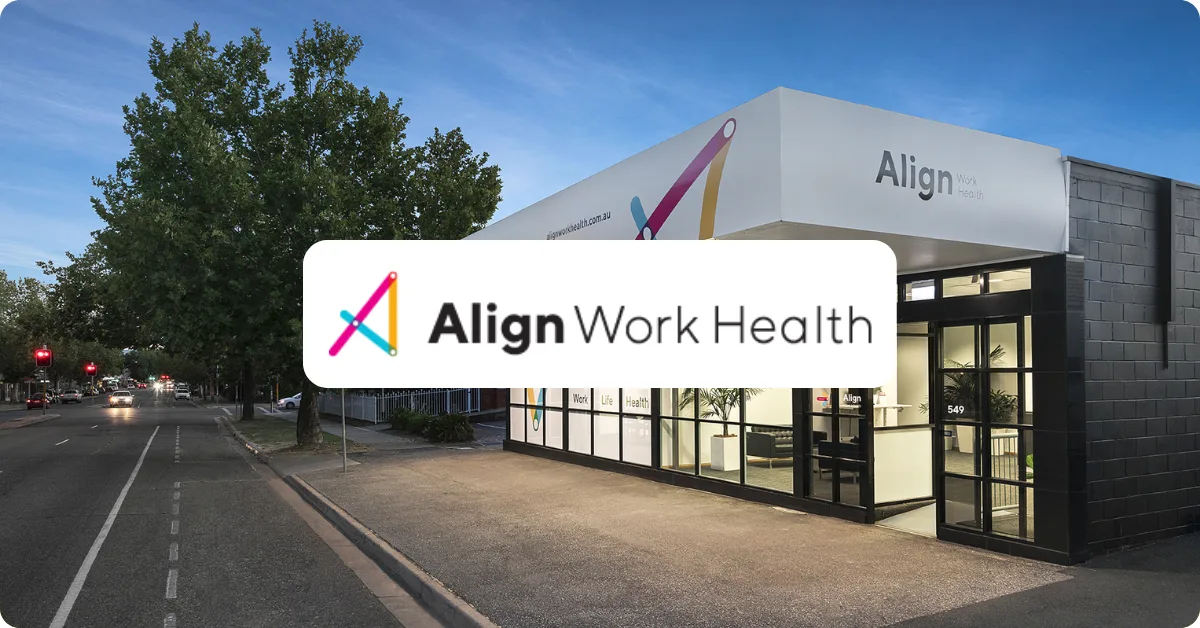
How Align Work Health saved 5 hours a week and eliminated missing expenses with Budgetly
Discover how Align Work Health saved 5 hours a week and eliminated missing expenses with Budgetly and Xero sync. Read …

How Hillsborough OOSH Saves Time and Achieves Greater Visibility with Budgetly
Budgetly's case study on how NSW childcare provider Hillsborough OOSH saved time and gained control with Budgetly's …

Sanctuary Family Solutions eliminated petty cash and manual admin with Budgetly
'With Budgetly, we now have saved time and solved a lot of the problems we had using petty cash!'
Frequently asked questions
What is accounts payable automation?
What's the difference between bill pay software and AP automation?
What is a bill payment system, and what should it handle?
Does Budgetly support purchase orders or multi-step approval chains?
How does bill capture work?
Can bills be categorised when they're created?
What payment methods are supported?
How do approval workflows work?
What accounting software does it sync with?
How does fraud detection work?
Can I pay multiple bills at once?
Does Budgetly handle employee reimbursements?
How quickly can we get started?
Payment security at every step, audited end-to-end
From bill received to money paid, every action is controlled, logged, and reversible before the payment goes out.
Approval limits on payments
Set the amount below which bills are approved automatically. Anything above it needs an admin's approval before it's paid, and every decision is logged.
Issued by Hay Limited
The Budgetly Account is issued by Hay Limited (AFSL 515459) and arranged by Budgetly as its Corporate Authorised Representative (CAR No. 001283126). Budgetly is AUSTRAC-regulated (AML/CTF).
Full audit trail
Every bill, approval, payment, and sync is timestamped and attributable. Export an audit pack for any period in one click.
Fraud flags before payment
Budgetly flags new suppliers, changed bank details, duplicate invoices, and unusual amounts before the money leaves. Flagged bills require additional approval.
2FA on sensitive actions
Two-factor authentication is required to change bank details, approve large payments, or modify approval rules. SSL encryption on every session.
Data stays in Australia
All supplier, invoice, and payment data is hosted in AWS Sydney, an ISO 27001, 27017, and 27018 certified infrastructure. Nothing leaves the country.
Replace your AP process this week.
Forward your first bill in 5 minutes. Pay via BPAY in 30 seconds. Sync to accounting in 1 click.